Building the Perfect Gaming Setup: Monitors, Mice, and Mouse Pads That Actually Matter
A practical guide to choosing the monitor, mouse, and mouse pad for your gaming setup, plus tips on getting heavy gear delivered and set up safely.
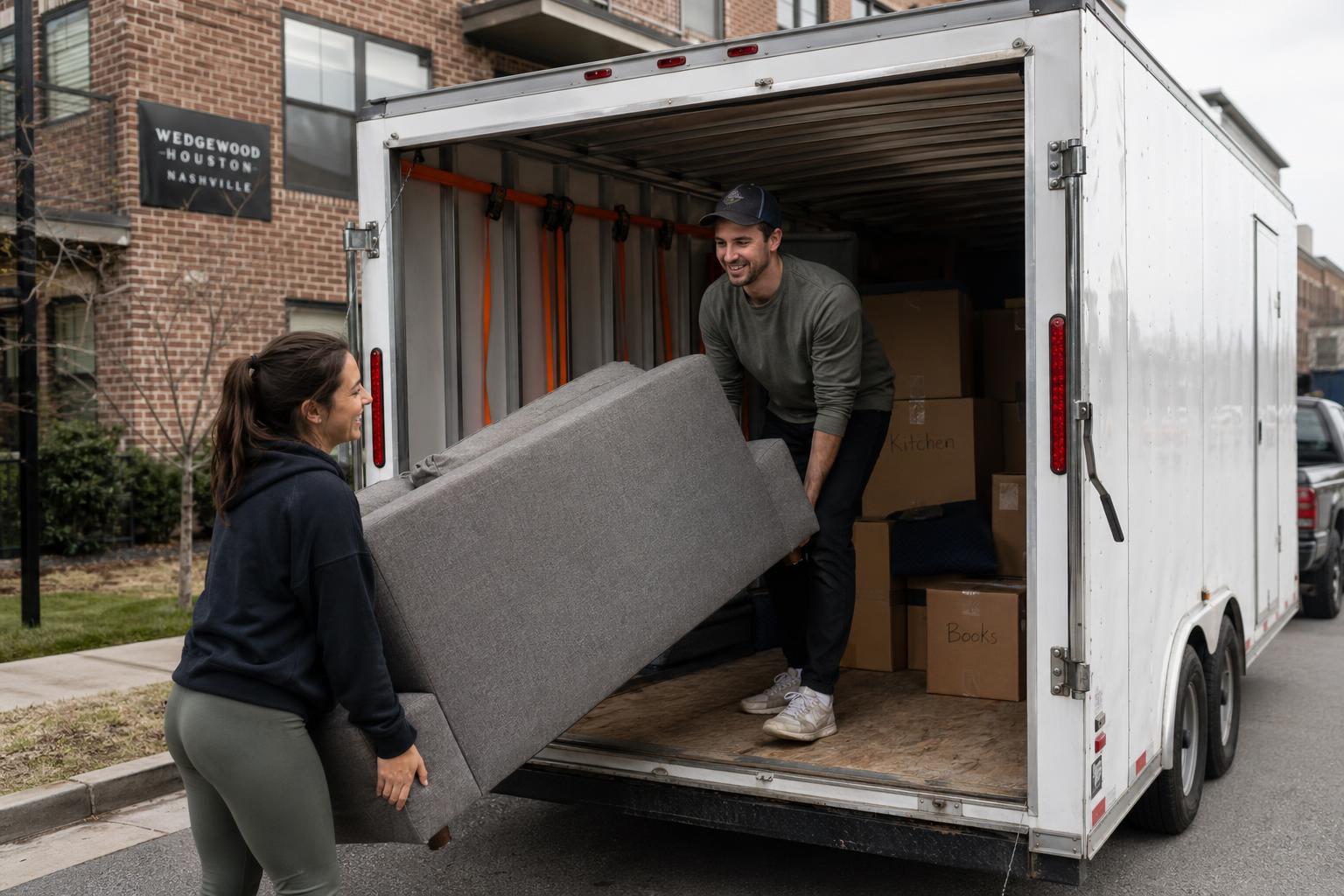
A great gaming setup is not about buying the most expensive gear. It is about matching the right monitor, mouse, and mouse pad to the way you actually play, and making sure the desk and room can handle it. After years of hauling desks, monitors, and full gaming rigs across Nashville, we have seen what works and what ends up returned a week later.
This guide focuses on the three components that change how a setup feels more than any others: the monitor, the mouse, and the mouse pad. We also cover how to get big or heavy gear delivered and set up without damaging it or your walls.
Disclosure: As an Amazon Associate, Hauling Patriots earns from qualifying purchases. The product links below are affiliate links, which means we may earn a commission at no extra cost to you if you buy through them. We only recommend items we would actually suggest to customers on a move or delivery.
Start with the Monitor
The monitor is the centerpiece of any setup, and it is also the piece that is hardest to move and easiest to break. Match the size and resolution to your desk depth and your graphics card before you shop.
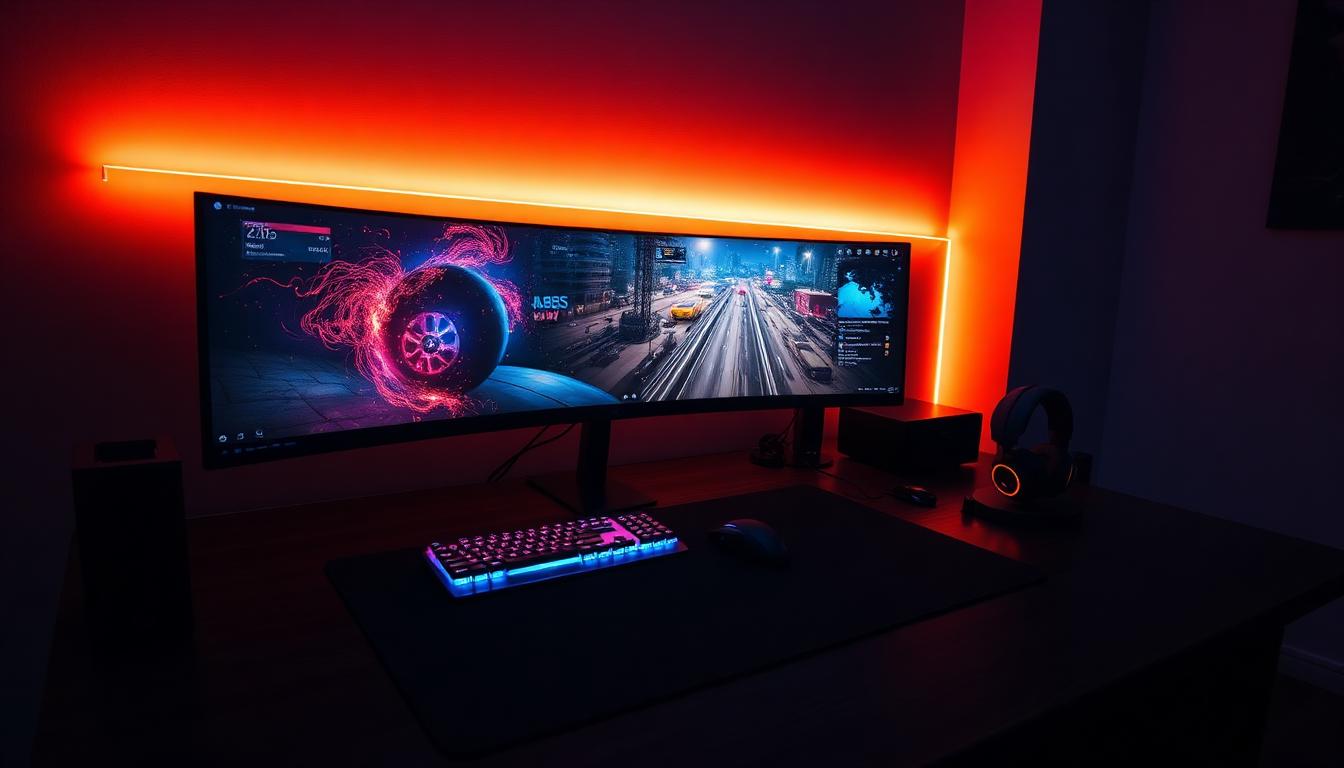
A 27-inch 1440p monitor with a high refresh rate is the sweet spot for most players. It is sharp, fast, and fits on a normal desk. Ultrawide and super-ultrawide displays are incredible for immersion and multitasking, but measure first: a 49-inch or 57-inch curved monitor needs a deep desk, a sturdy mount, and a clear path through your doorways.
Monitor buying tips
- Match refresh rate to your games: 144Hz and up for fast-paced shooters, 60-120Hz for slower titles.
- Check your GPU output: a 4K or dual 4K display needs DisplayPort bandwidth to hit its rated refresh rate.
- Confirm VESA mount compatibility if you plan to use a monitor arm.
- Measure desk depth: curved ultrawides sit closer than you think.
Pick the Right Mouse
Mice are personal. Grip style, hand size, and the games you play matter more than any spec sheet. Here are options that cover the most common needs, from budget starters to flagship wireless models.
- Best for competitive players who want a proven workhorse: the G502 LIGHTSPEED is the wireless version of one of the best-selling gaming mice ever made.
- Best for players who want every feature: the G502 X Plus adds RGB and the latest sensor tech.
- Best for wrist strain: a vertical mouse keeps your hand in a neutral position for long sessions.
- Best for budget builds: rechargeable Bluetooth models cover casual play and everyday work without much cost.
- Best for hybrid work and play: a sculpted productivity mouse with multi-device switching handles both worlds.
Do Not Skip the Mouse Pad
The mouse pad is the cheapest upgrade in the whole setup, and it changes how every mouse feels. Cloth pads come in three broad flavors: speed surfaces for fast glide, control surfaces for precision, and balanced weaves in between.
- Best for most players: the classic QcK cloth pad. Affordable, consistent, and proven.
- Best for precision and low-DPI play: a control surface with extra stopping power.
- Best for players who switch between game types: a balanced weave that splits the difference.
Plan the Delivery and Setup
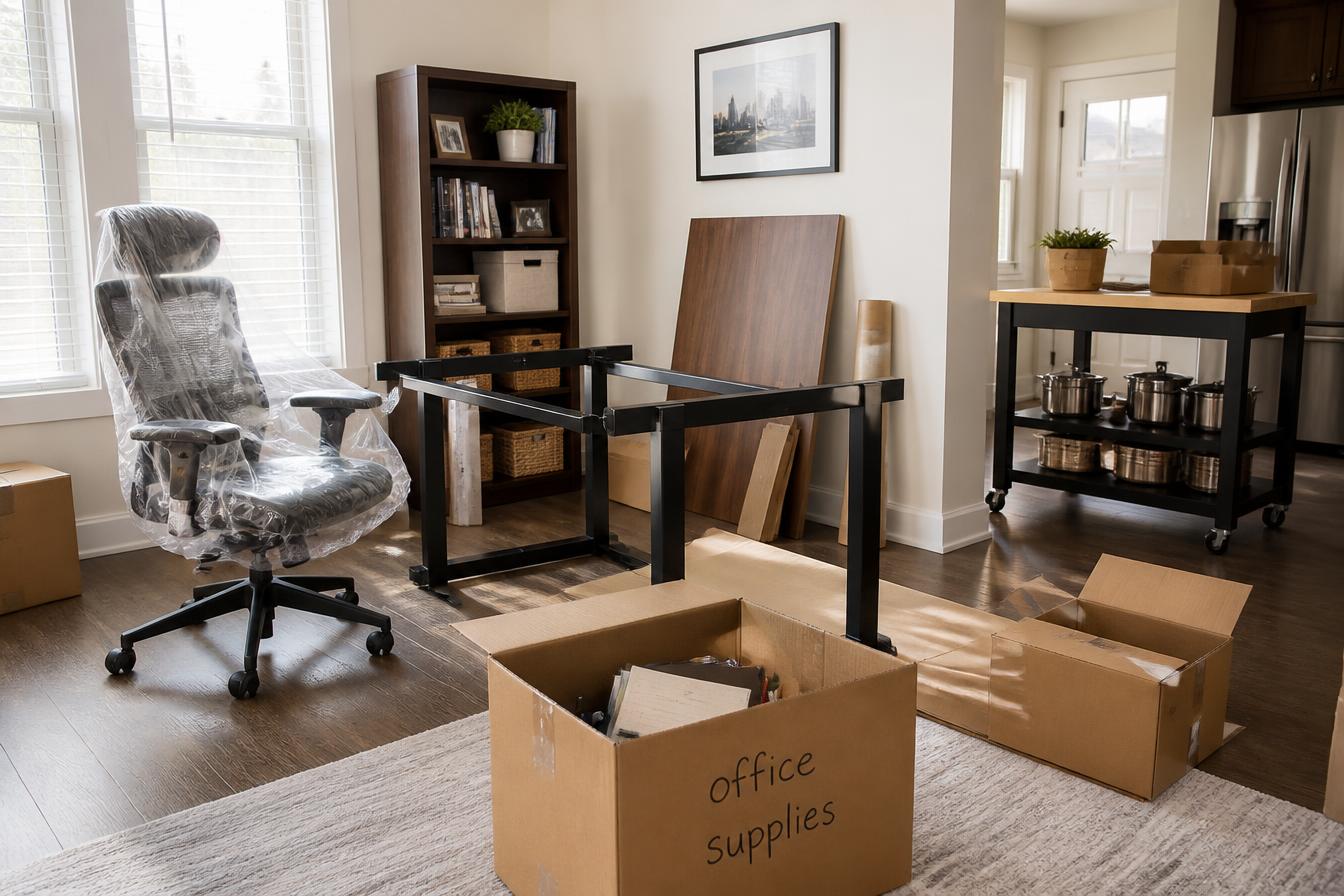
Big monitors, solid desks, and full tower PCs are heavier and more awkward than they look online. A little planning saves a lot of trouble.
- Measure doorways, hallways, and stairwells before ordering large desks or ultrawide monitors.
- Keep monitor boxes until you know the panel is flawless. Returns require the original packaging.
- Set the desk in its final spot before unboxing the monitor. Curved displays are fragile when leaned.
- Route cables before placing the PC. Moving a full tower after everything is connected risks pulled ports.
- Clear out the old setup first. Old desks, broken chairs, and dead monitors take up the exact space the new gear needs.
Need a Hand with the Heavy Stuff?
If your new setup involves a heavy desk, a giant monitor, or hauling away the old furniture it replaces, Hauling Patriots can help. We serve Nashville and surrounding Middle Tennessee towns, including Brentwood, Franklin, Hendersonville, Mt. Juliet, Smyrna, White House, Lebanon, and Ashland City. We handle pickup, delivery, placement, and haul-away, so your only job is deciding which game to install first.
Text us a photo of what you need moved or delivered, along with the pickup and drop-off details. We will text back a quote.